What a Wish-ly page actually looks like
Every picture below is a screenshot of a real page, in order, from the moment it opens to the moment it ends. Nothing here is a mockup.
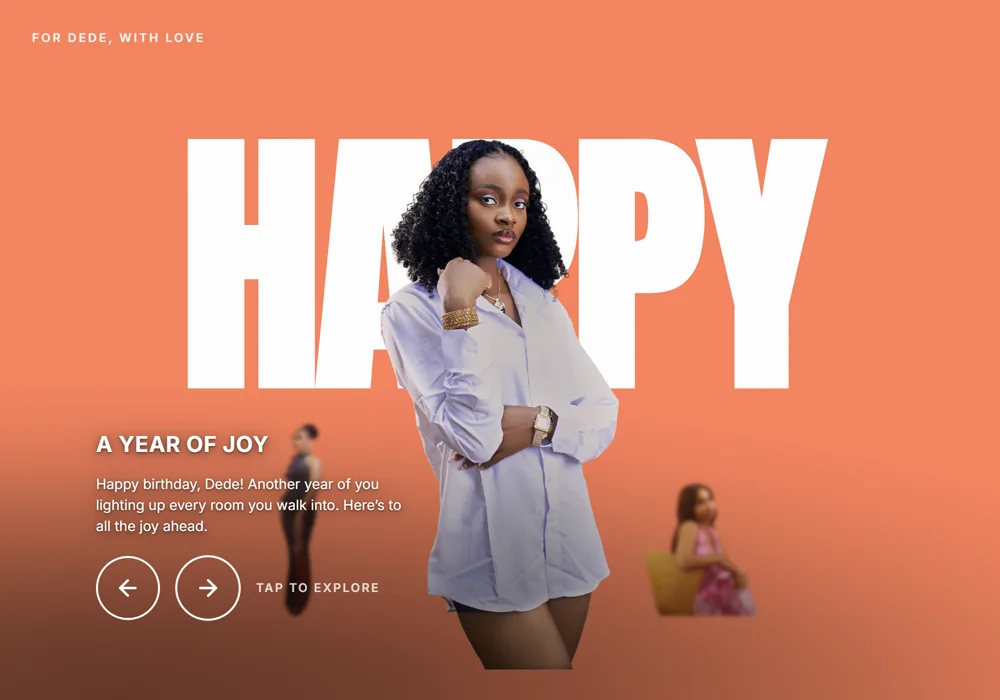
It opens like a title sequence
Their name, their photo, and the first thing you want to say — full screen, before anything else happens. There are four of these to swipe through, each with its own photo and its own line.
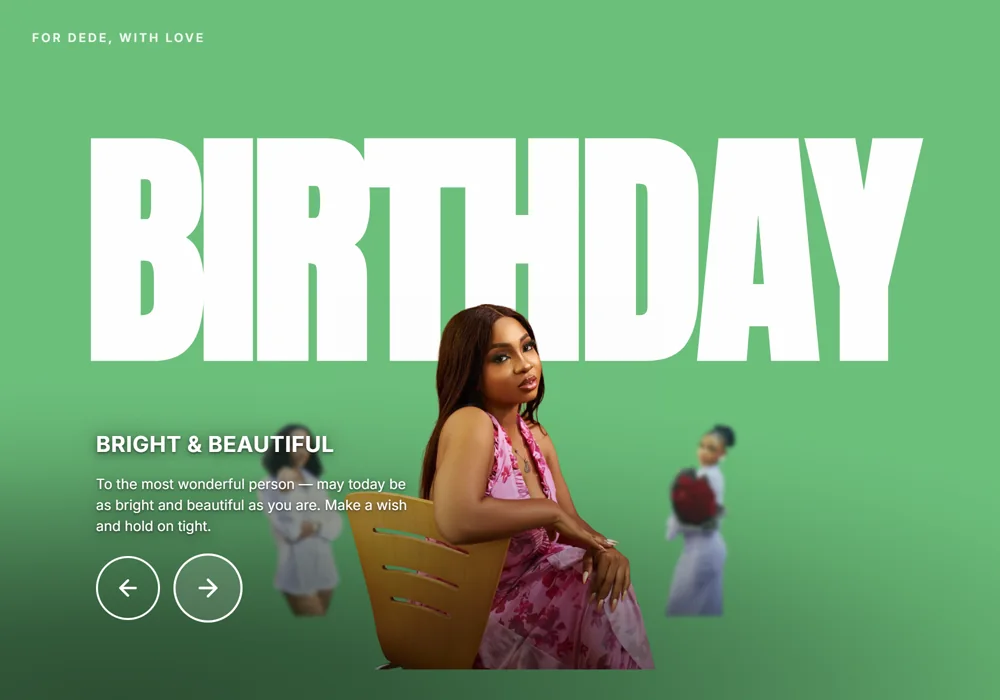
Every slide is yours to write
The words, the photos and the colours all change per slide. Nothing here is a template you cannot move — a live preview shows exactly what they will see as you type it.
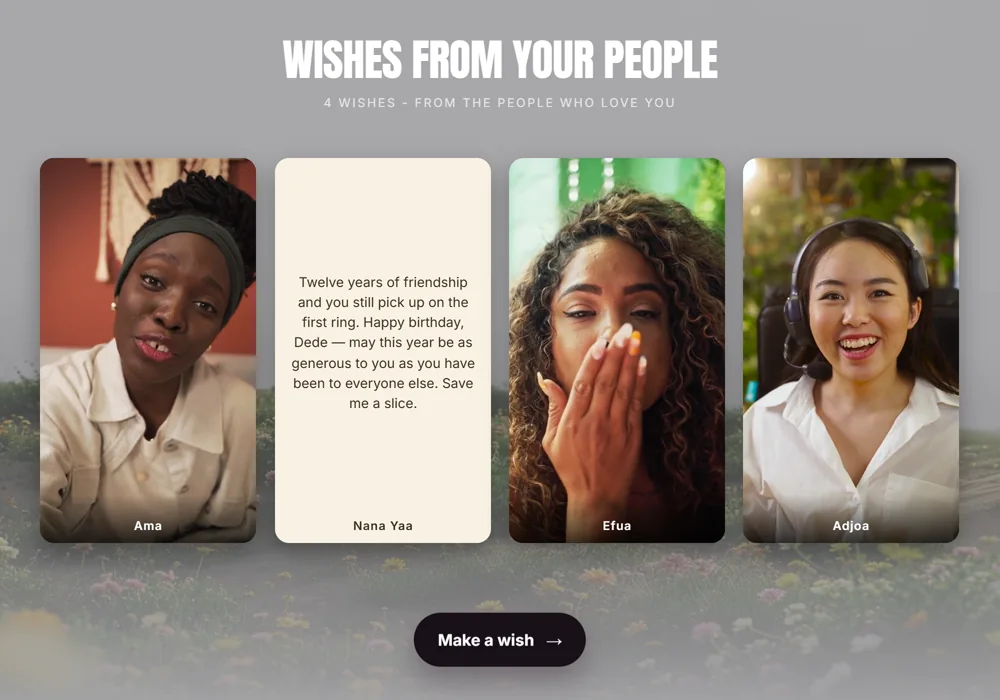
Wishes from everyone who could not be there
Send one link to the group chat and everyone leaves a short video or a note, no account needed. You approve each one before it appears. A page holds up to 30.
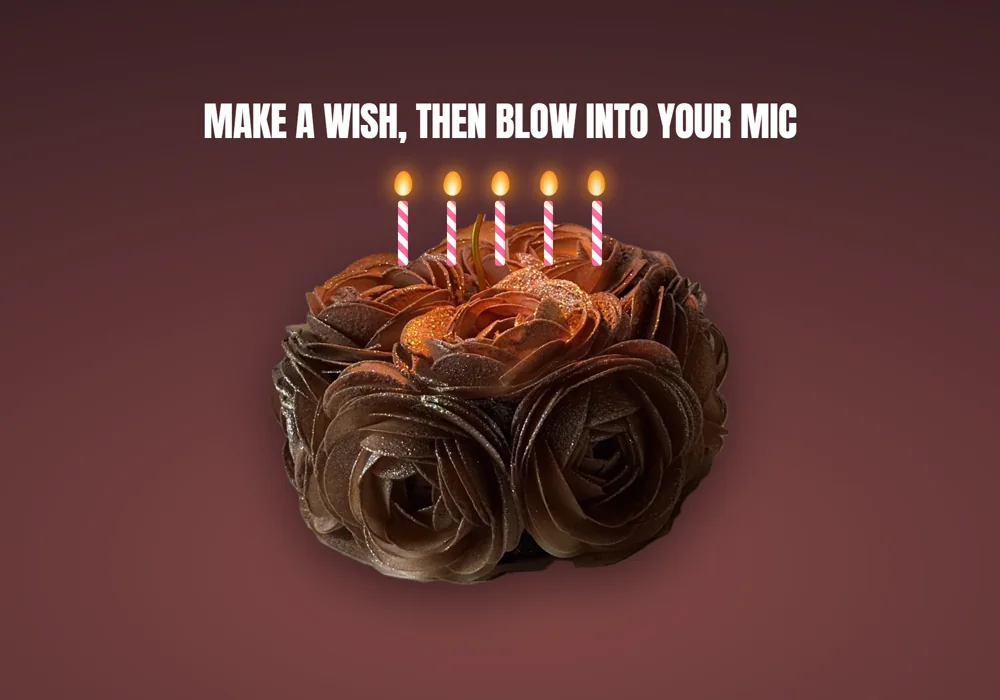
They blow the candles out themselves
Real candles, real breath. The page listens through the microphone and the flames go out one by one as they blow. If the mic is unavailable, pressing and holding the cake does the same thing.
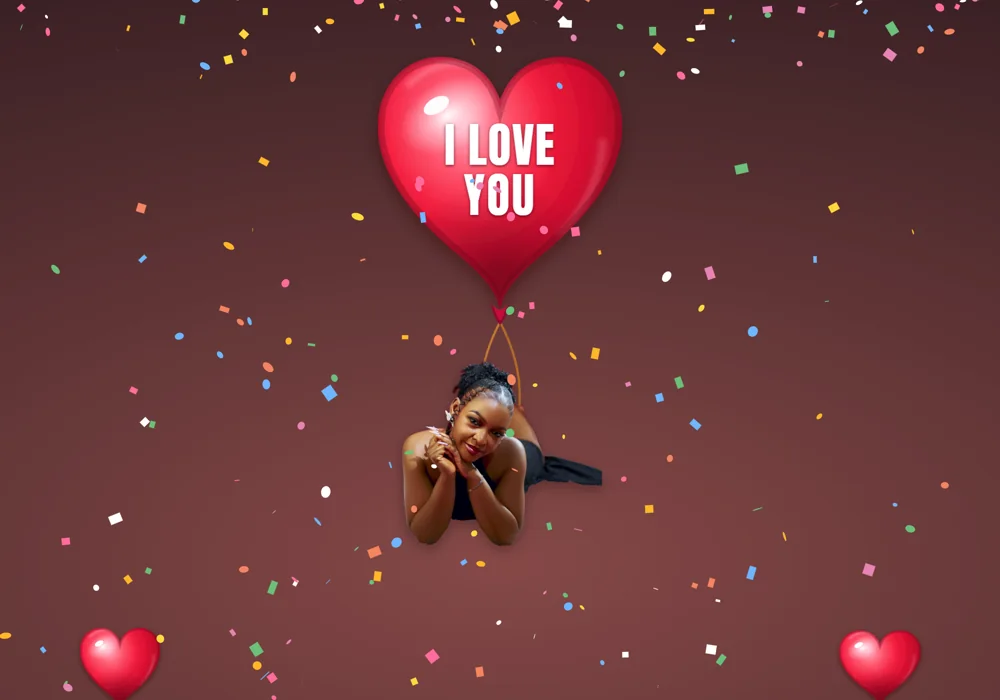
Then the message floats up
A heart balloon inflates and lifts your words — and a photo, if you want one on the strings — through the confetti. It is the moment most people screenshot.
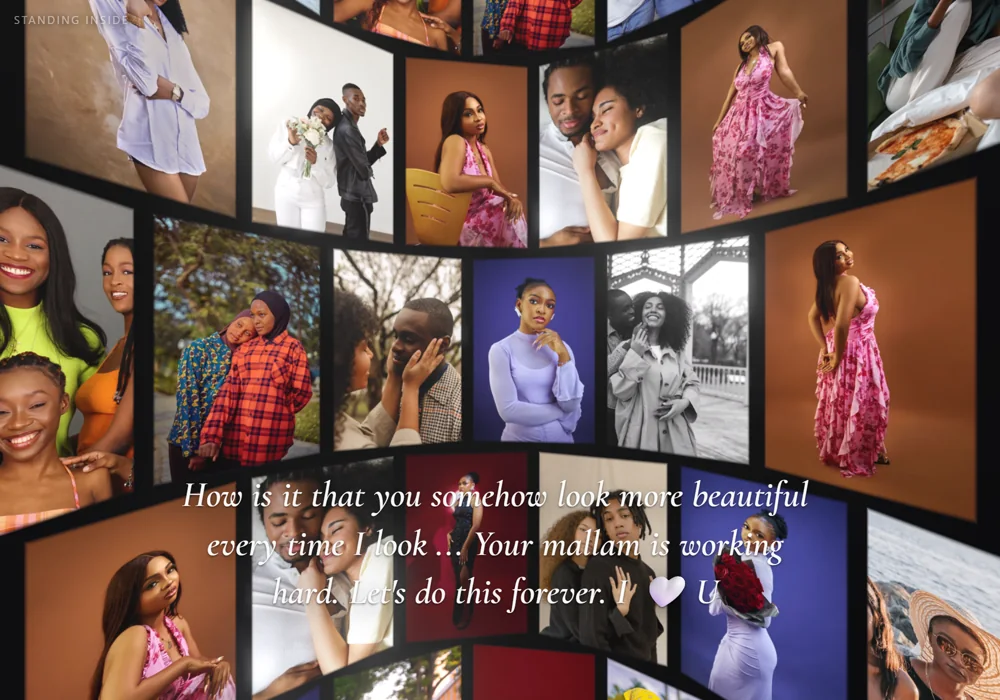
And they end up standing inside the photos
Up to 32 photos curve around them in 3D, with your closing line written across the middle. It runs in the browser — no app, nothing to install.
See it move
Screenshots cannot show the candles going out or the balloon lifting. The demo is a complete page you can walk through yourself — no sign-up, nothing to install.
Open the live demo